

Get ready for a massive update to Furniture Venture, one of our most popular add-ons! Dive into a world of brand-new tools, crops, furniture, and decorative blocks. Download now and unleash your creativity
PART A: THE FURNITURE
Furniture Design Table
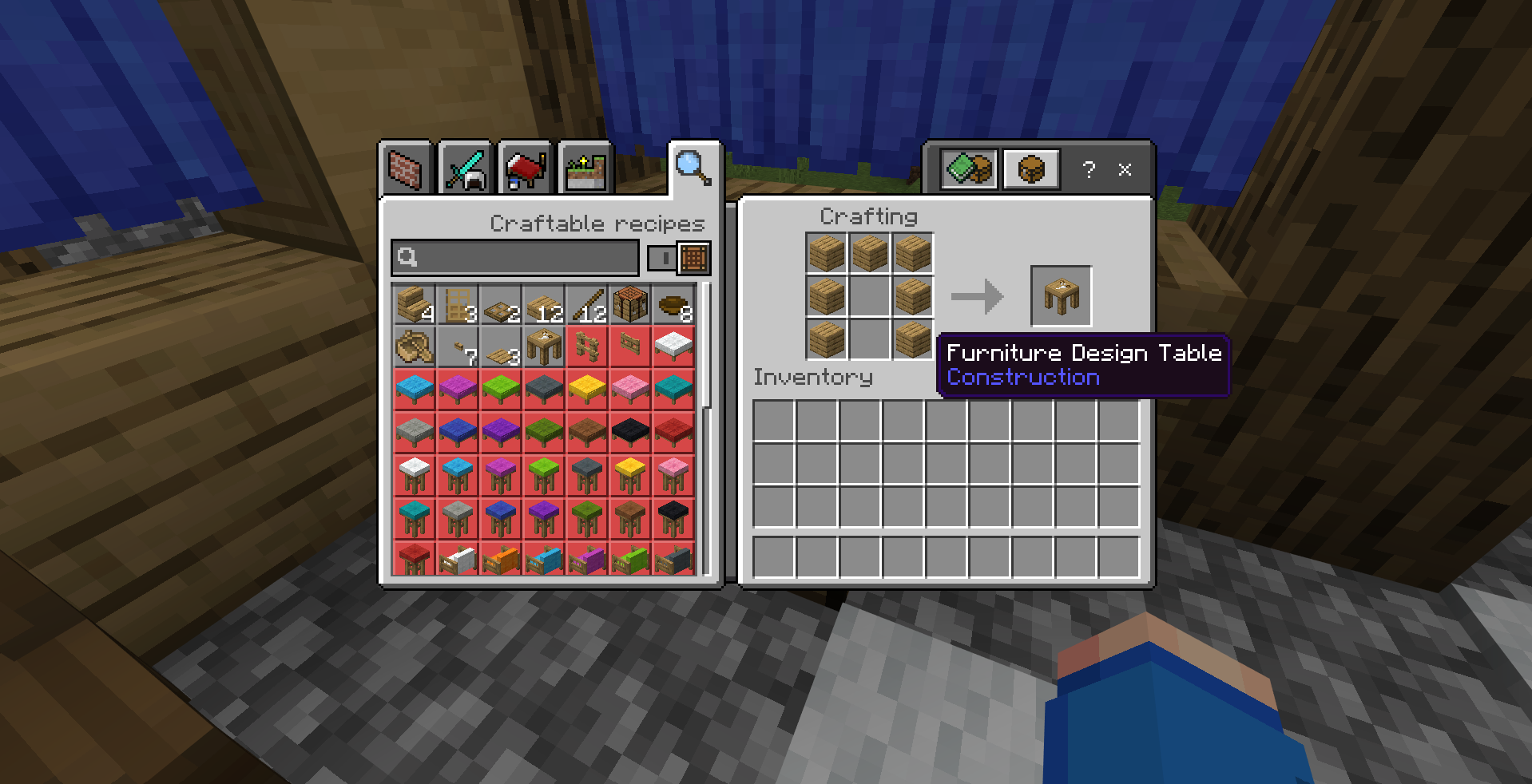
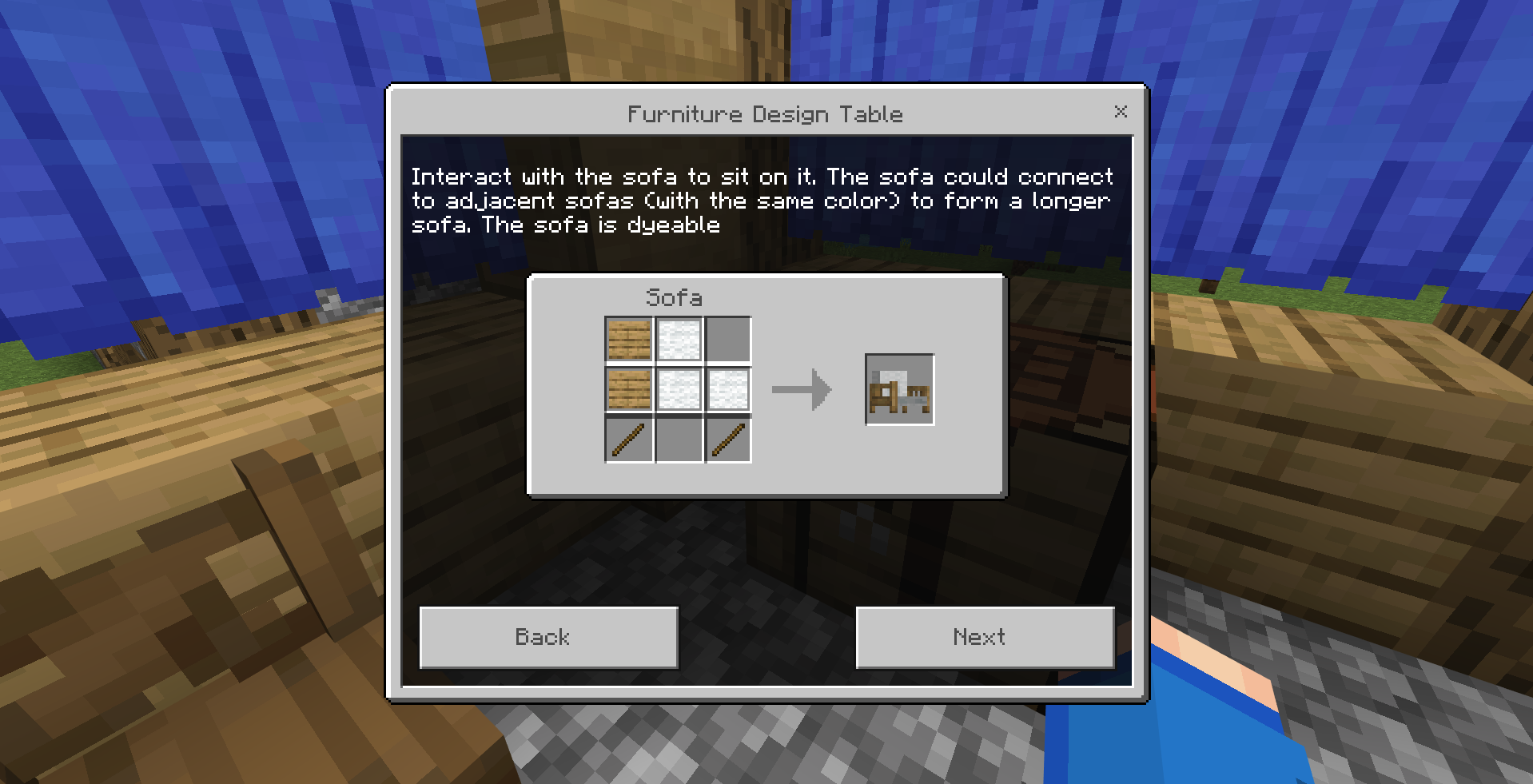
The Furniture Design Table can be crafted using 7 planks. It contains the recipes of all the furniture and decorative blocks you can craft!
Let's go through some blocks, shall we? Here's the curtain! You can interact with it to open and close. You can also dye it using any dye of your choice! Note that all color furniture blocks are dyeable not just the curtain!
When you interacted with the Bird Cage, you can place a parrot inside! You can interact it again to take the parrot out!
The lamp could be turned on and off by interacting with it. You can also place it on the wall
The chair is a block that you can sit on! It looks great with the table in your dining room! Terracotta Teapot also looks great with the table!
The awning can connect to each other to form bigger awning! It can also be dyed to any color of your choice!
The item sign by interacting with it using an axe of any kind, you can change the item symbol it displays.
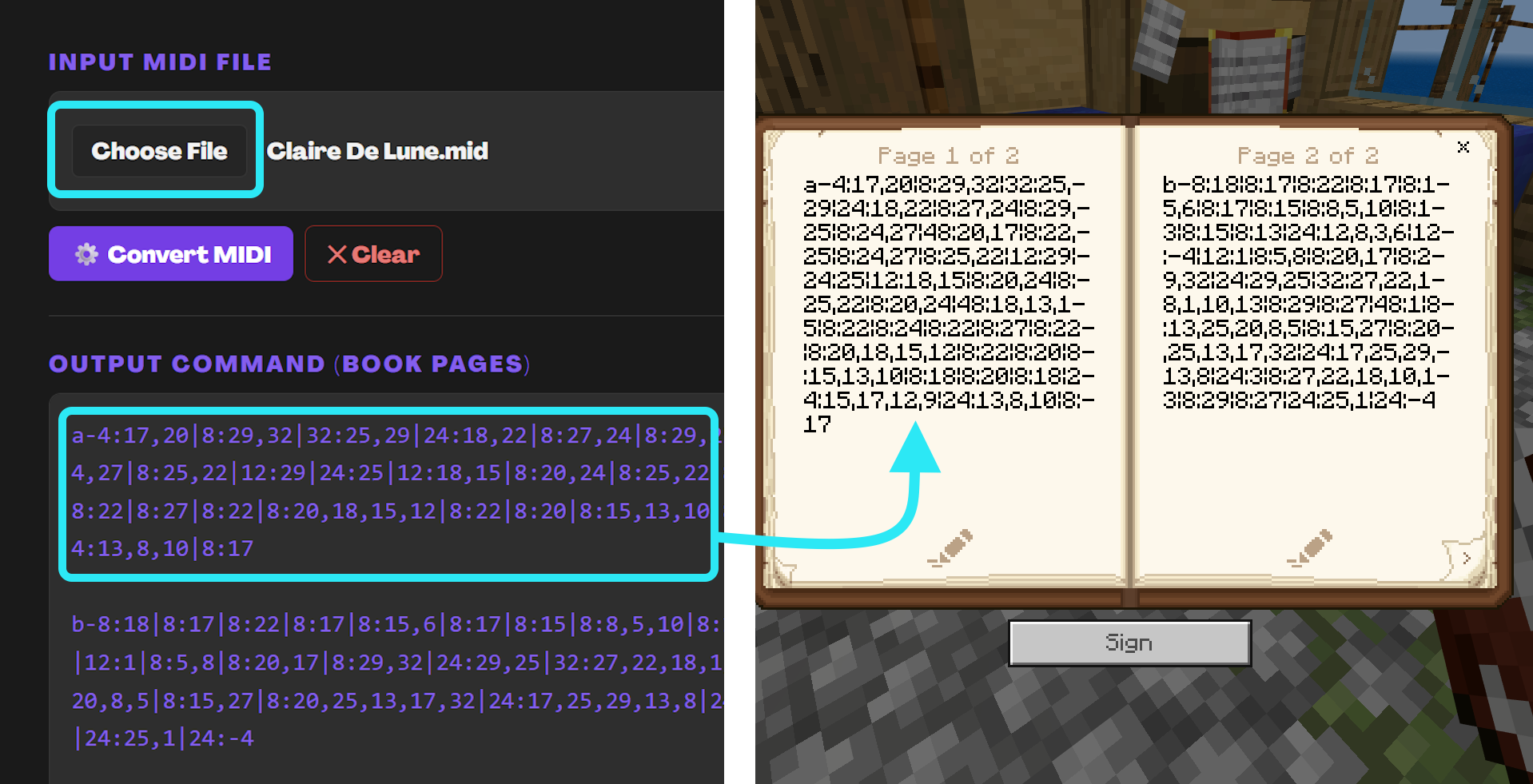
The piano is very special. You can actually play any song with it! Yes! You heard that right! Any song you want!
1) You need to find a MIDI file of the song you want to play.
2) You need to go to BlockState Piano Conversion Tool and upload the file to get the encoded string.
3) You need to copy each paragraph of the encoded string and paste it into the book and quill!
4) Interact the piano with the book to play the song!
2) You need to go to BlockState Piano Conversion Tool and upload the file to get the encoded string.
3) You need to copy each paragraph of the encoded string and paste it into the book and quill!
4) Interact the piano with the book to play the song!
The final two blocks are the drawer and the Furniture Design Table itself! The drawer can store items in it! First, interact with it to open the drawer. Then, you open it and put items in! For the Furniture Design Table, by placing any furniture block on top of it, it will decompose the block into its original material!
PART B: THE FOOD
Cutting Board
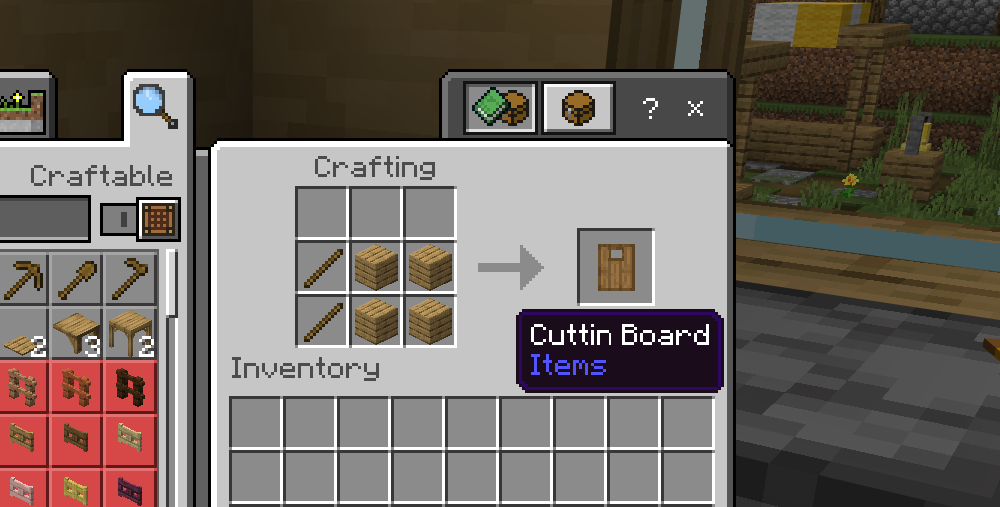
The first feature is the Cutting Board! With it, you can make new foods like sandwiches and noodle. To craft it, you will need 2 sticks and 4 planks!
The Cutting Board could be used to make sandwiches! By first placing a  as a base, then add the ingredients (


 ) on the Cutting Board, you can make a variety of sandwiches!
as a base, then add the ingredients ( ) on the Cutting Board, you can make a variety of sandwiches!
With Bowl of Rice  and the Cutting Board, you can make Rice Rolls! Including 4 yummy rolls:


and the Cutting Board, you can make Rice Rolls! Including 4 yummy rolls:
By placing the Wheat Dough  on the Cutting Board, you can make Raw Noodle
on the Cutting Board, you can make Raw Noodle
New Crop
Version 2 adds a bunch of new crops! Here's a list of all the new crops:
| Crop | Seeds | Obtain Method | Growing Method |
|---|---|---|---|
 Blueberry | Blueberry |  Wild Blueberry | 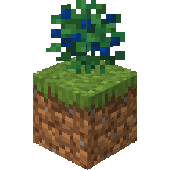 |
| Cabbage |  Cabbage Seed |  Wild Cabbage | 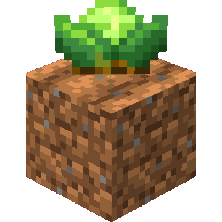 |
 Corn |  Corn Kernel |  Wild Corn 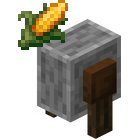 Grind Corn using Grindstone | 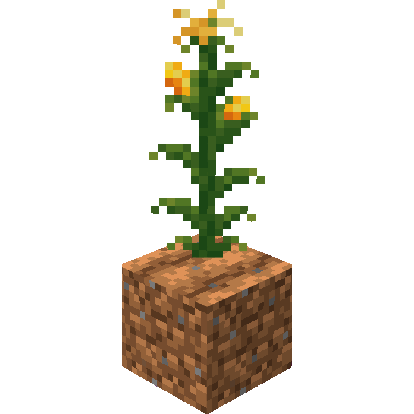 |
 Grape | Grape |  Wild Grape | 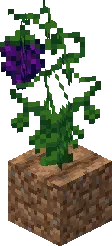 |
 Onion | Onion |  Wild Onion | 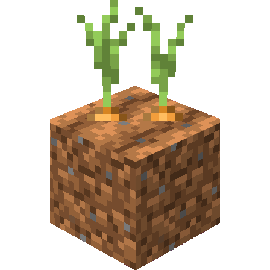 |
 Rice Panicle |  Rice Grain |  Wild Rice 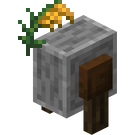 Grind Rice Panicle using Grindstone | 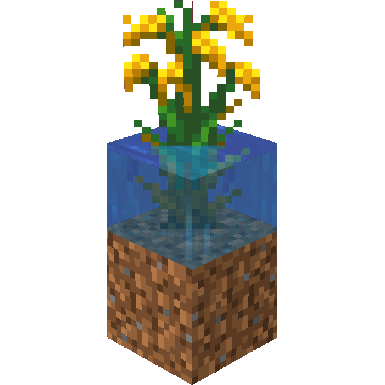 |
 Strawberry | Strawberry |  Wild Strawberry | 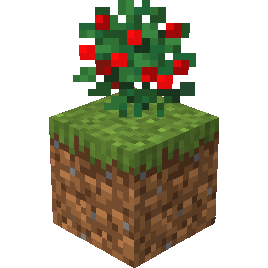 |
| Tomato  Rotten Tomato |  Tomato Seed |  Wild Tomato | 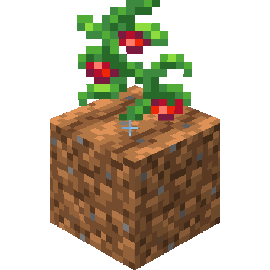 |
 Tea Leaves | 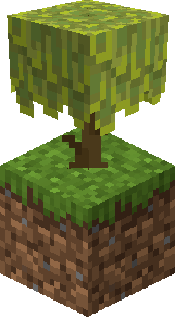 Tea Tree | 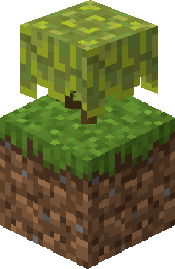 Tea Tree Bush 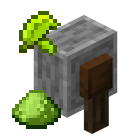 Grind Tea Leaves using Grindstone with 40% success rate to get Matcha Powder | Tea Tree |
Straw!
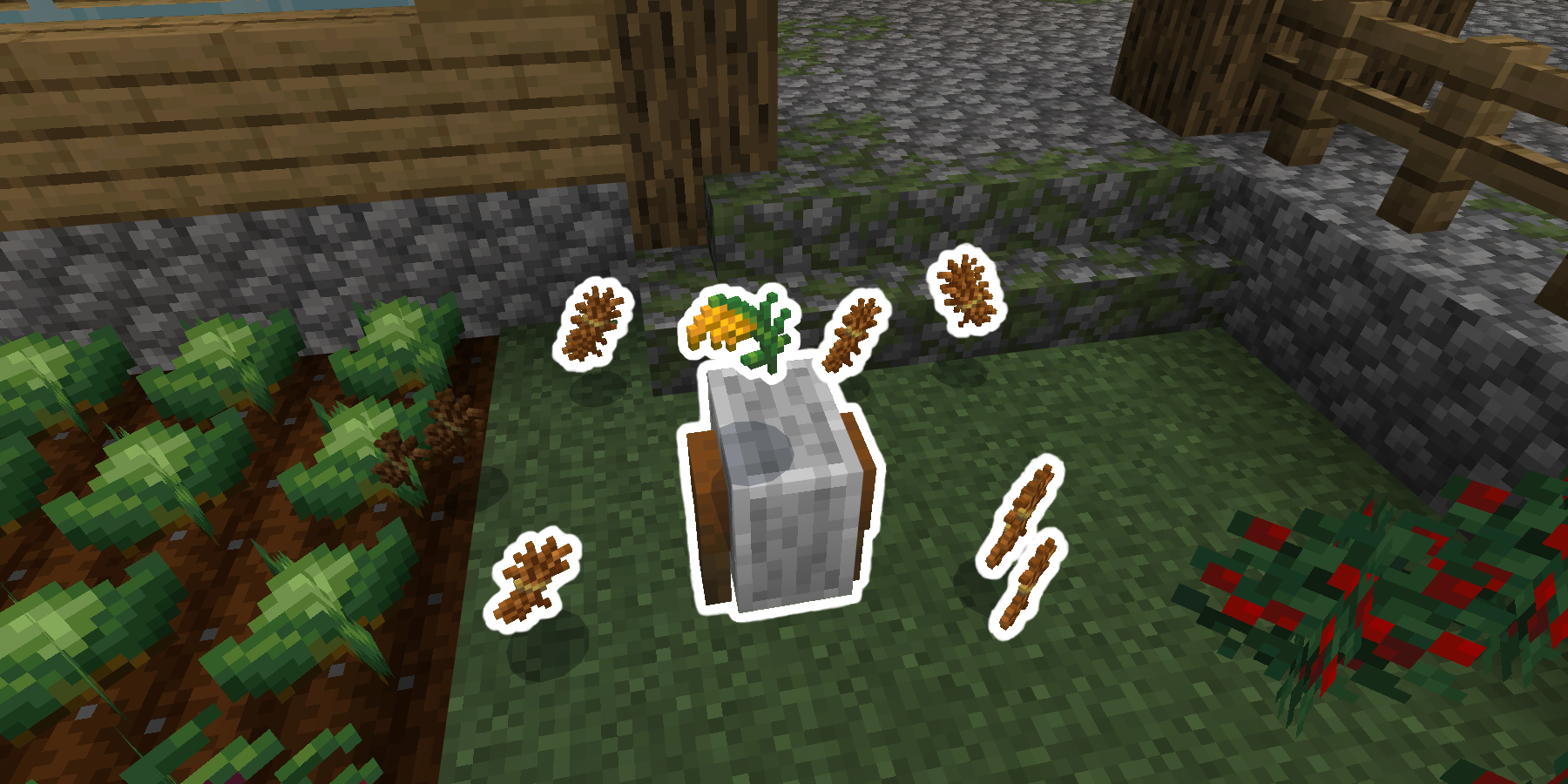
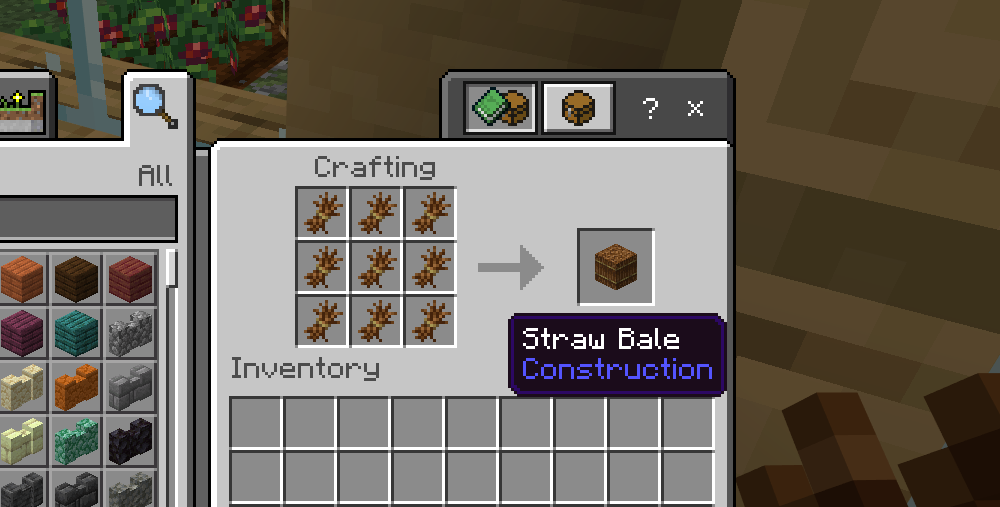
Straw is a new byproduct that can be obtained by grind rice panicle! You can compact straw into Straw Bale! Straw can be used to craft new items like Tatami Block, Rope and Lead
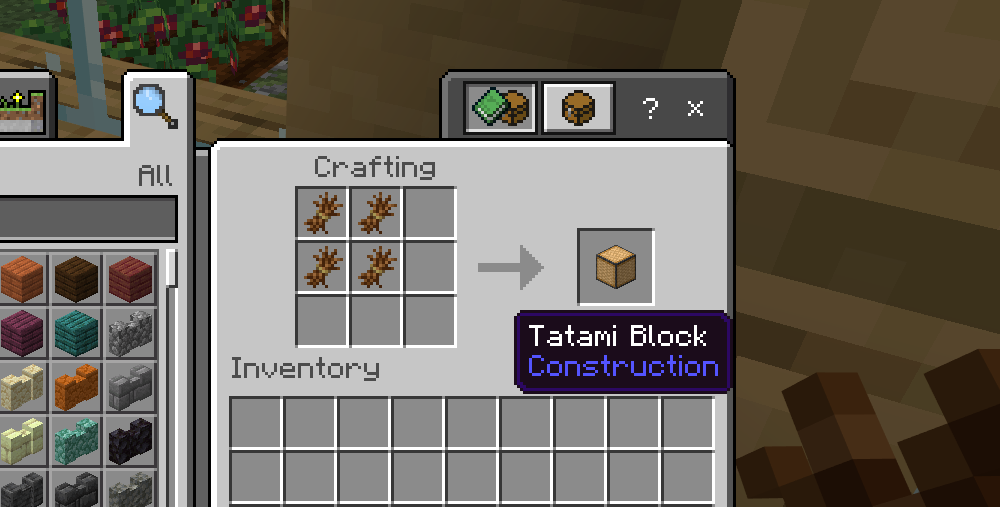
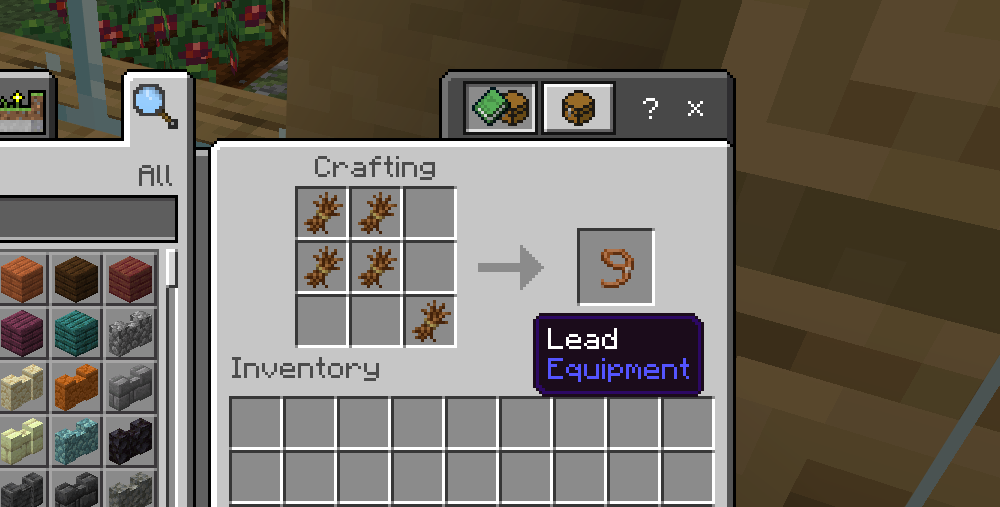
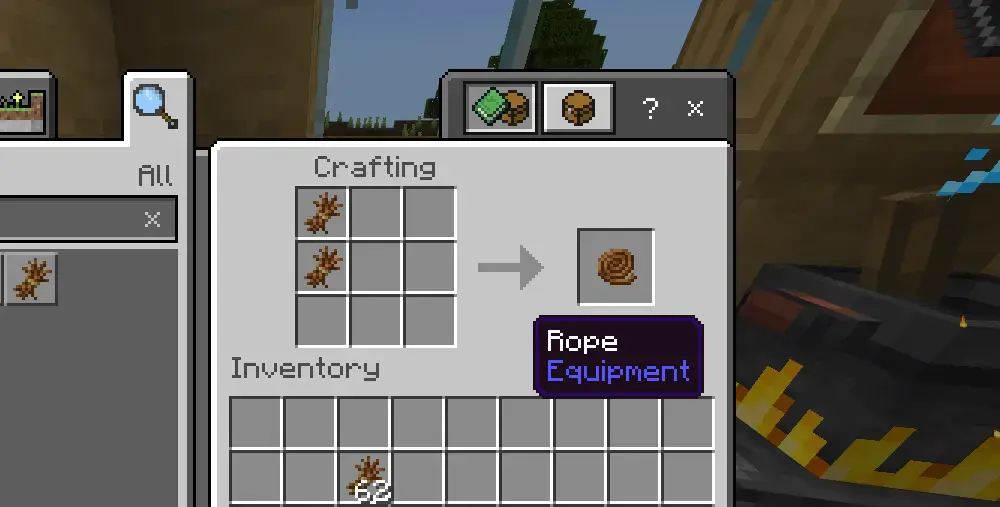
Here's the recipe for making Tatami Block, Lead, and Rope using Straw
Tatami Block has a unique feature where you can place it next to each other to create a seamless floor!
The rope is one of the coolest features in this update! Simply click the rope, it will extend downward for you! It could be used to climb up and down like the ladders! It could help you a lot in your cave exploration!
Not only that, you can connect 2 fences together using ropes! Then simply ride the minecart (or any rideable entities like Horse, Happy Ghast, Boat, etc.), interact with the rope hanging below the first-connected fence, and you will be able to travel from one fence to another!
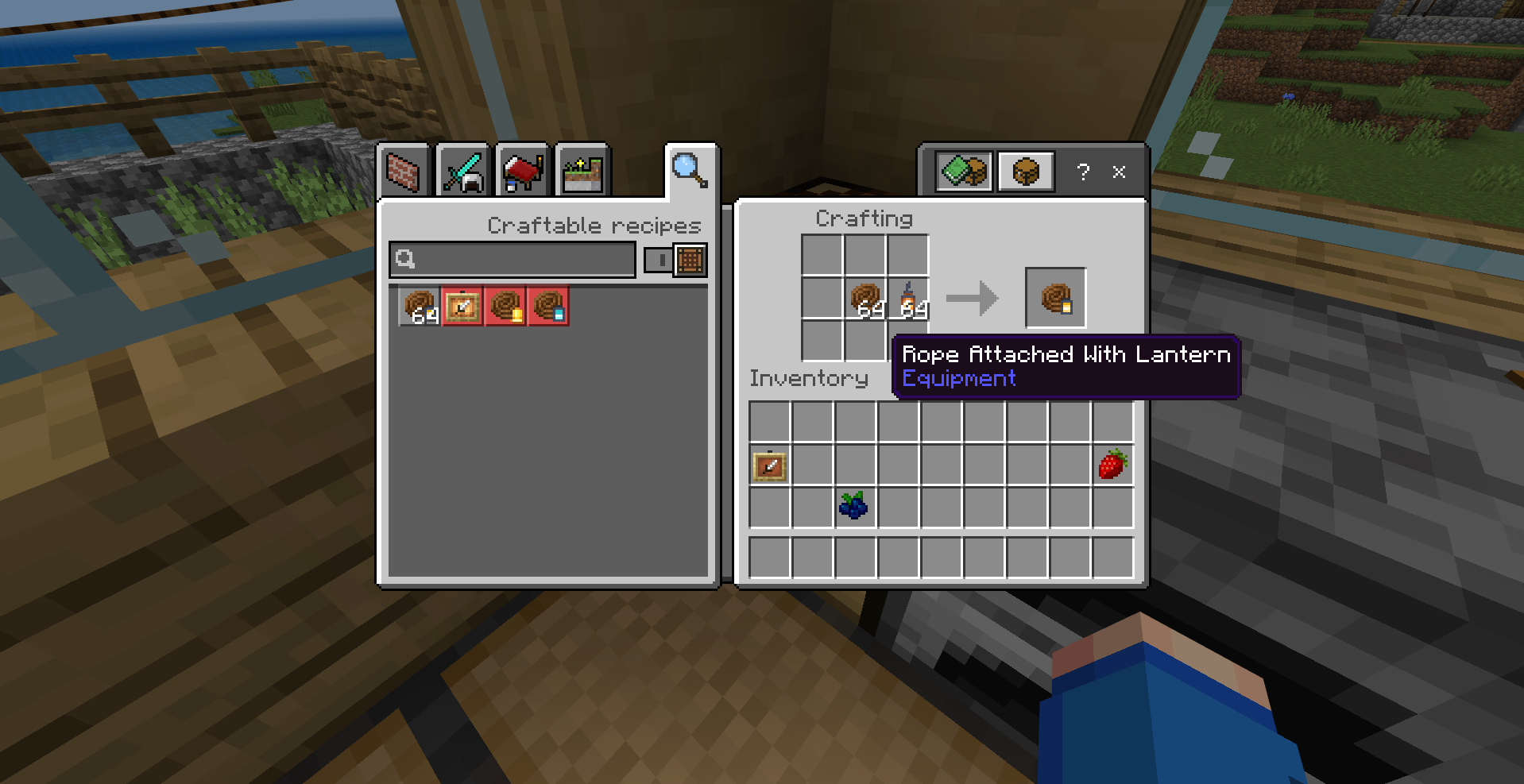
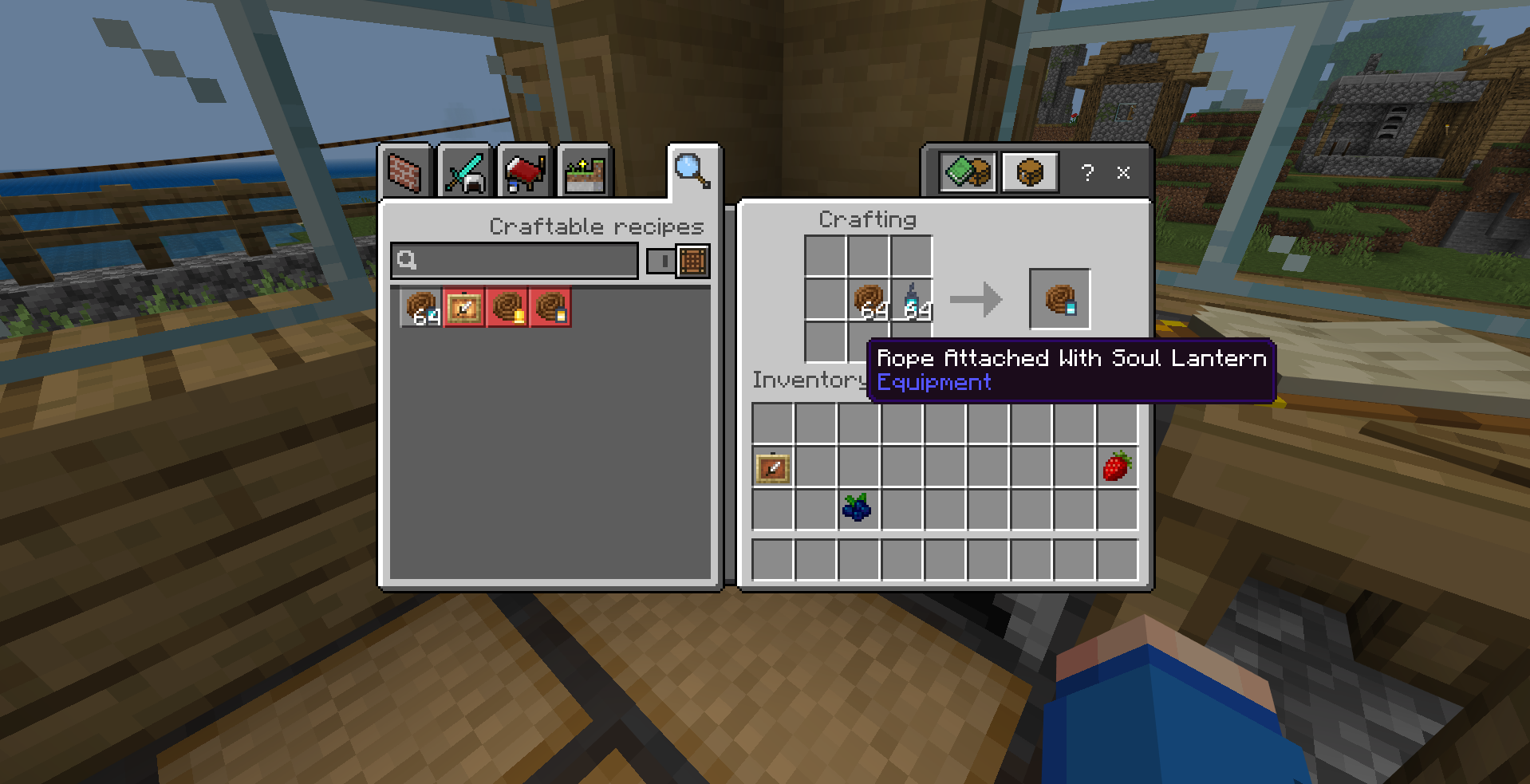
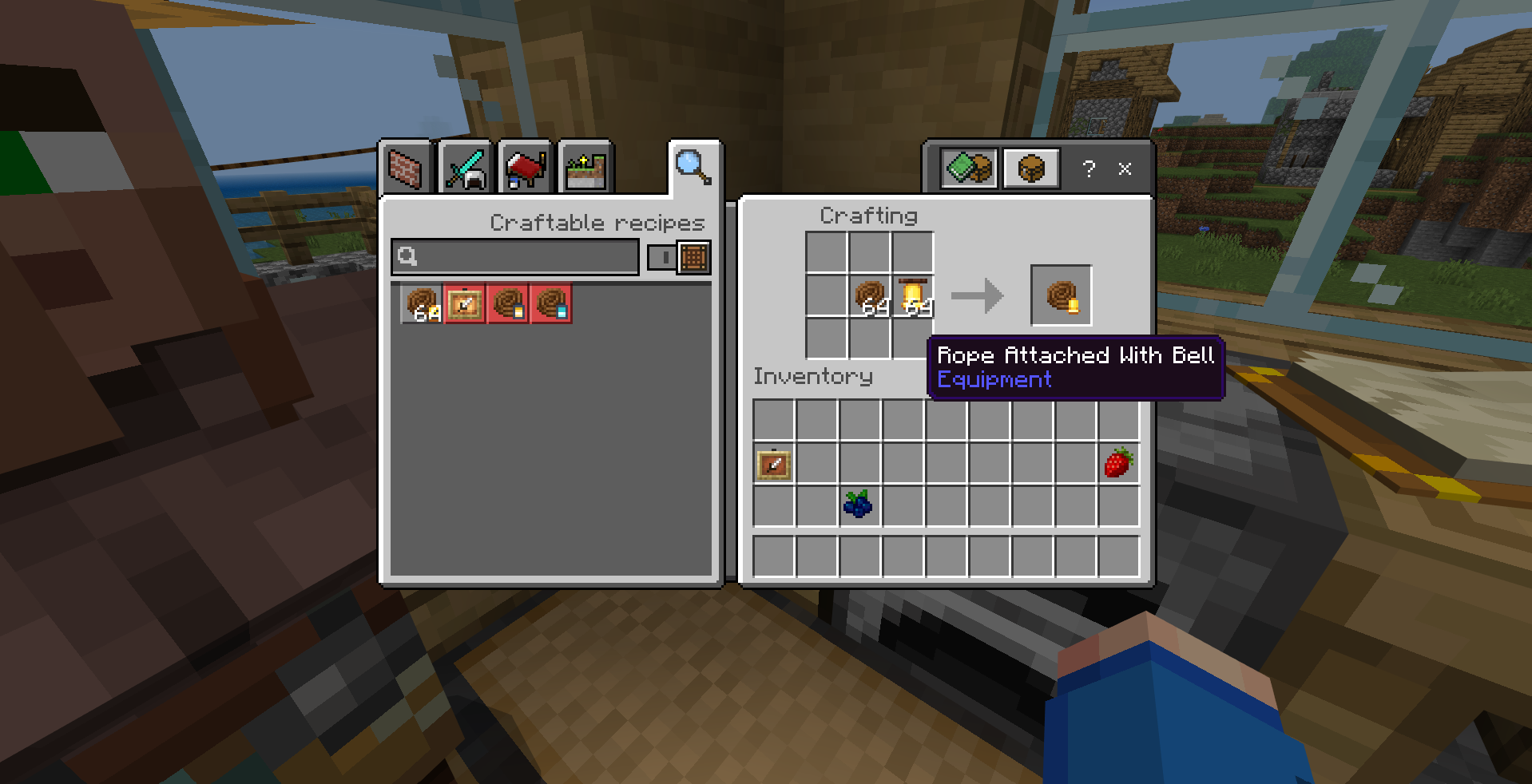
Using the rope, you can also craft Rope attached with Bell, Lantern, and Soul Lantern
Rope attached with Lantern, and Soul Lantern can emit light! Rope attached with Bell can be rung to make sound effects!
Cooking Features!
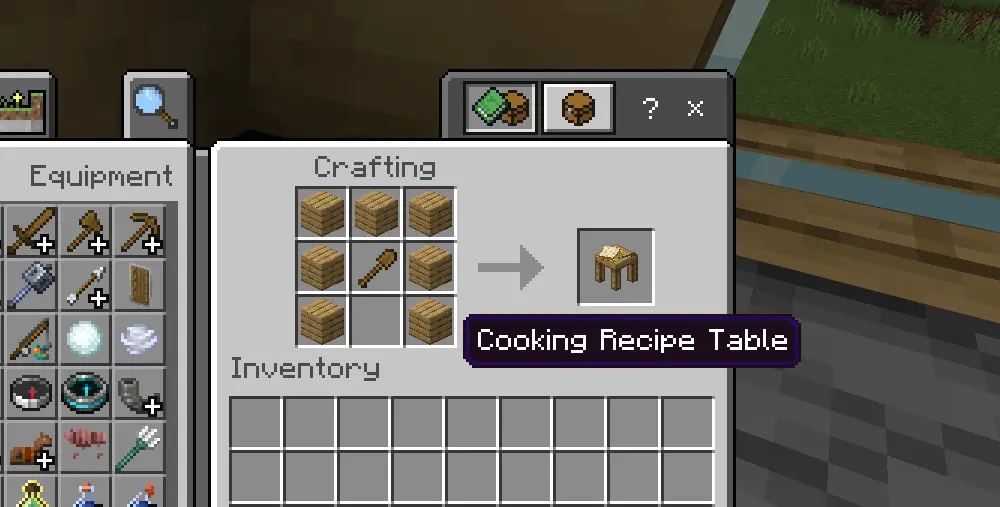
Furniture Venture V2 introduces new cooking features! You can cook more complex food using the Brick Oven, Cooking Pot, and Skillet! Before taking a look at those, let's get to know the Cooking Recipe Table. Here's the recipe to craft it!
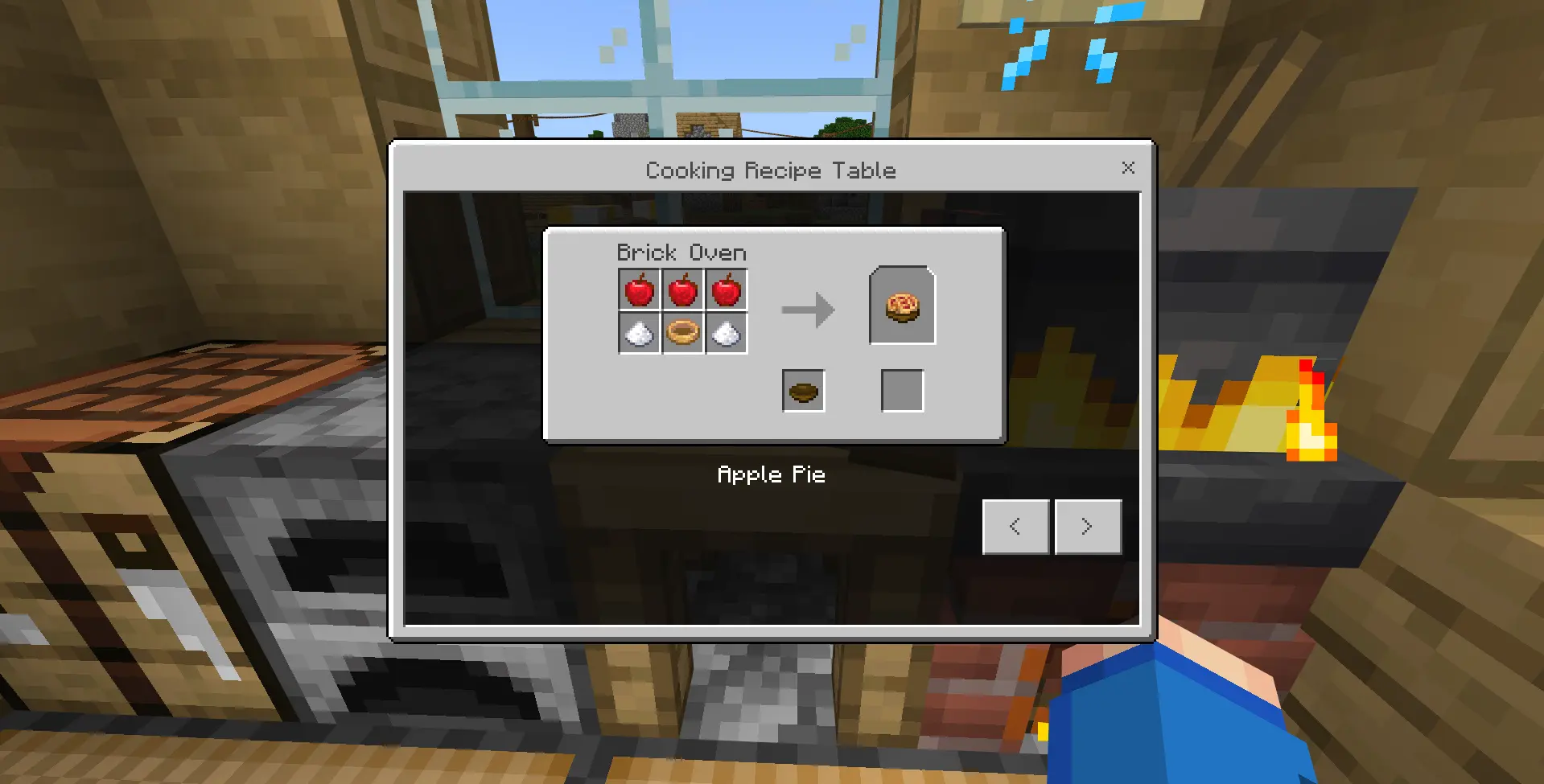
By right-click the table, you can access all possible recipes you can make with the new cooking features!
Brick Oven Update!
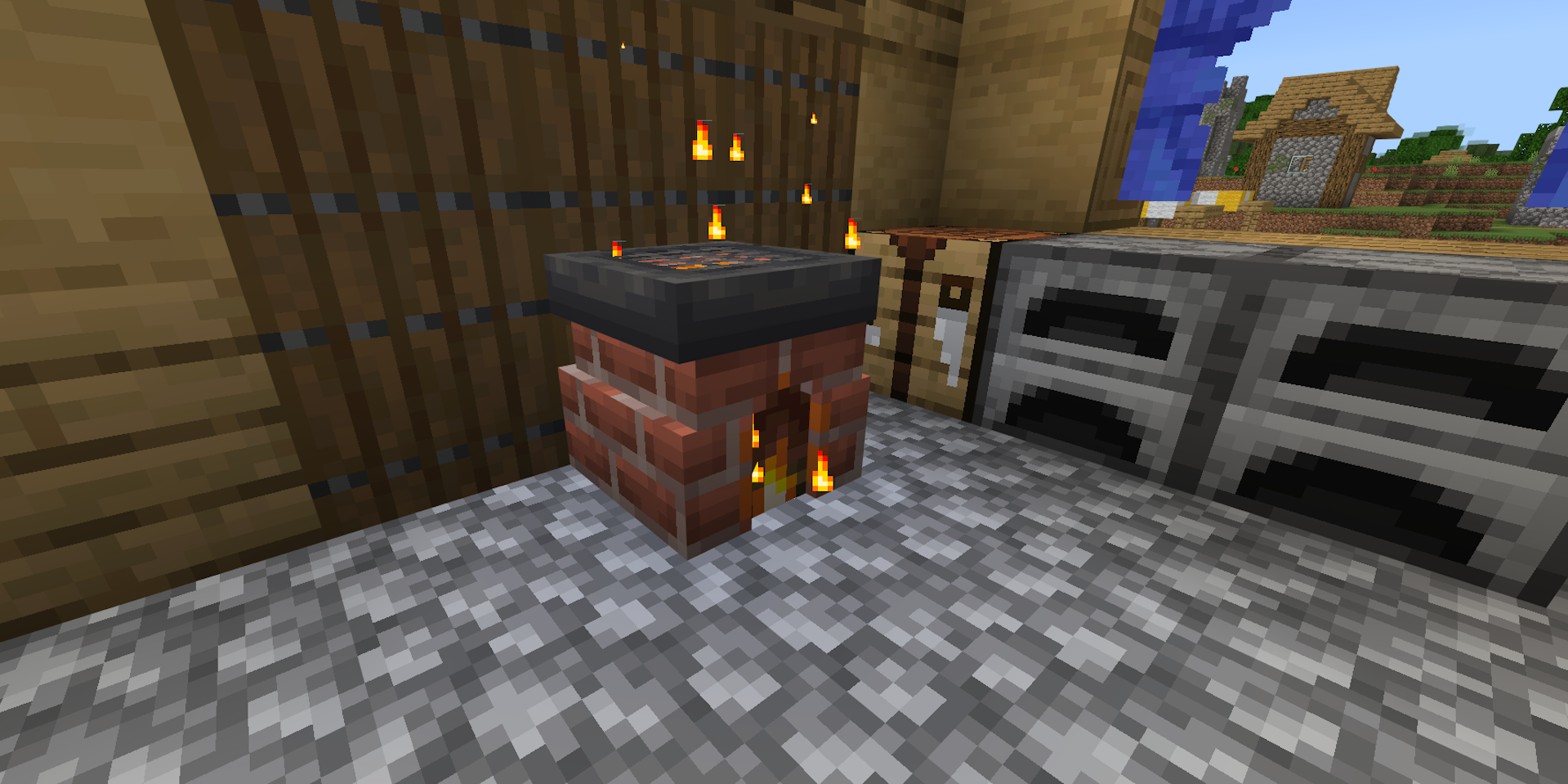
The Brick Oven has been updated to have brand new functionality! You can still cook food on it, but now you can BAKE more complex food with it! First, click at the Oven Door to access the GUI
To cook food on it, simply click the Brick Oven with any ingredient in your hand
Here are all the things you can cook directly on top of the Brick Oven!
| Raw Ingredients | Output Food |
|---|---|
| Corn |  Smoked Corn Smoked Corn |
| Corn Kernel |  Popcorn Popcorn |
 Beef Beef | Cooked Beef |
 Chicken Chicken | Cooked Chicken |
 Cod Cod |  Cooked Cod Cooked Cod |
 Potato Potato |  Baked Potato Baked Potato |
 Rabbit Rabbit |  Cooked Rabbit Cooked Rabbit |
 Porkchop Porkchop | Cooked Porkchop |
 Kelp Kelp |  Dried Kelp Dried Kelp |
 Rotten Flesh Rotten Flesh |  Leather Leather |
 Salmon Salmon |  Cooked Salmon Cooked Salmon |
 Mutton Mutton |  Cooked Mutton Cooked Mutton |
 Cactus Cactus |  Green Dye Green Dye |
 Sea Pickle Sea Pickle |  Lime Dye Lime Dye |
 Clay Ball Clay Ball |  Brick Brick |
 Chorus Fruit Chorus Fruit |  Popped Chorus Fruit Popped Chorus Fruit |
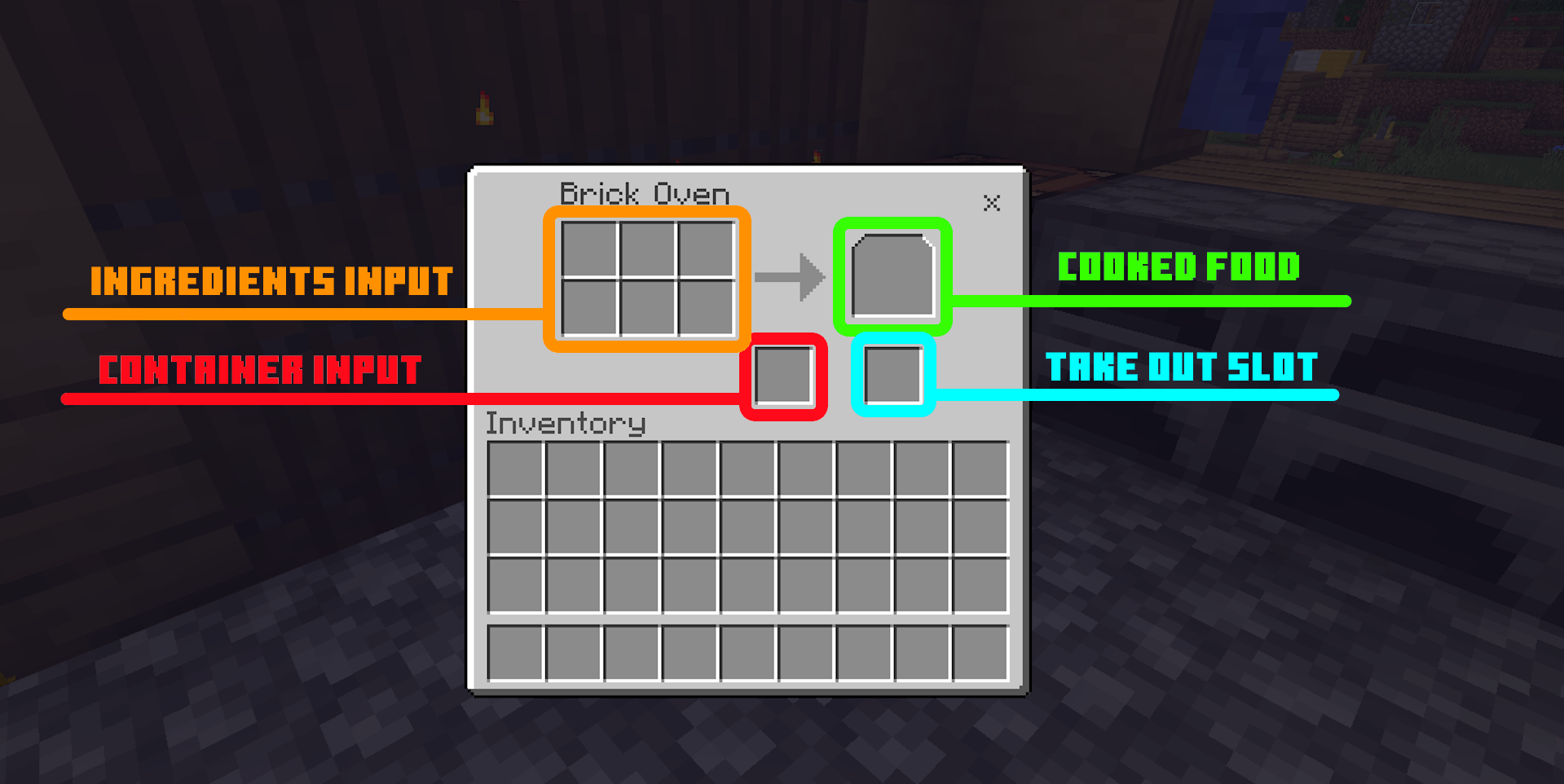
Let's take a look at the GUI. There's 4 sections: Ingredients Input, Cooked Food Slot, Container Input and Take out slot
After you finish baking, the food will be placed in the Cooked Food Slot, but you can't take it out yet! You need to put a container in the Container Input slot, this can be a bowl, or a bottle. Then, you can take out the food from the Take out slot!
Here are all the new recipes you can bake using the Brick Oven!
| Baked Goods | Ingredients List | Container |
|---|---|---|
 Pie Crust |  + 3× + 3× | None |
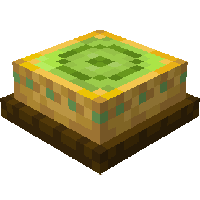 Matcha Pie | +  + + |  |
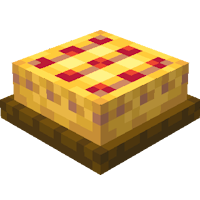 Apple Pie | + 2× + 3× + 3× | |
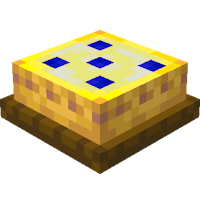 Blueberry Pie | + 2× +  | |
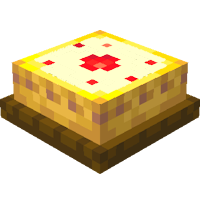 Strawberry Pie | + 2× +  | |
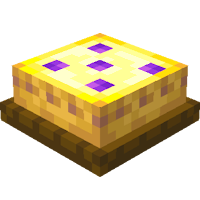 Grape Pie | + 2× +  | |
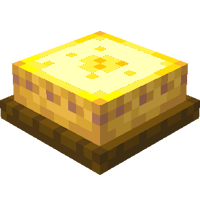 Corn Pie | + 2× +  | |
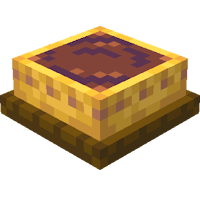 Cocoa Pie | + 2× +  | |
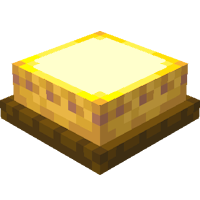 Cheese Pie | + 2× + 3× | |
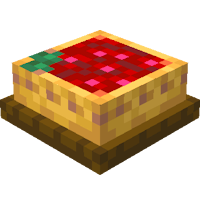 Sweetberry Pie | + 2× + 3× | |
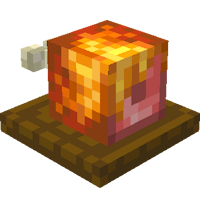 Honey Glazed Ham | +  | |
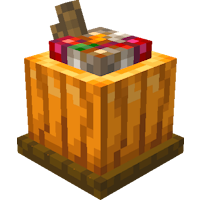 Stuffed Pumpkin |  + + + + | |
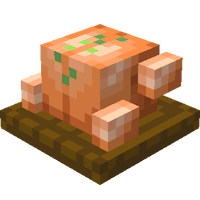 Toast Chicken | + | |
 Bacon And Eggs | 2× + 2× + 2× | |
 Roasted Mutton Chops | 2× + +  + +  | |
 Creamed Corn With Cheese | + + | |
 Stuffed Potato | + + | None |
Cooking Pot
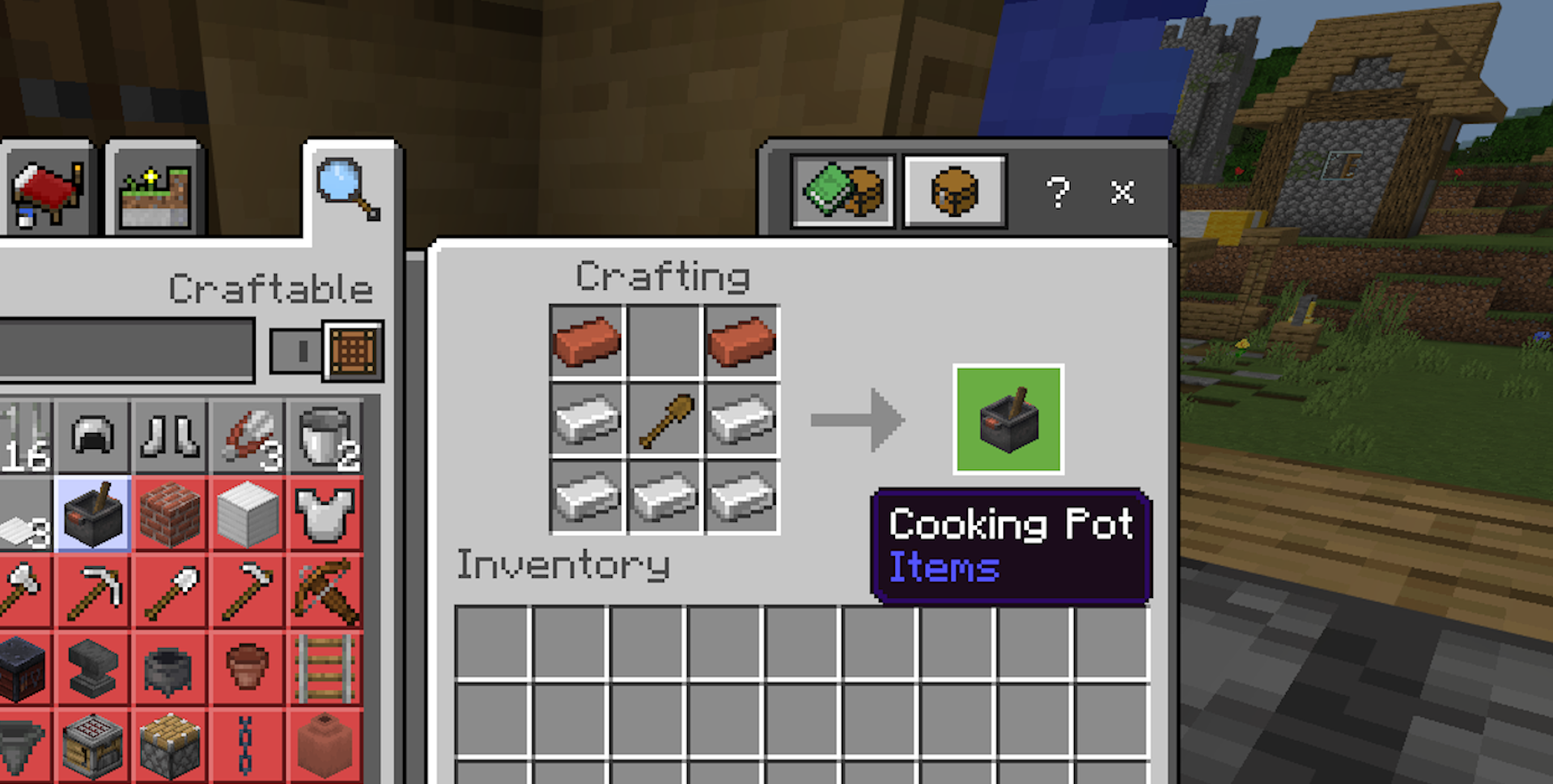
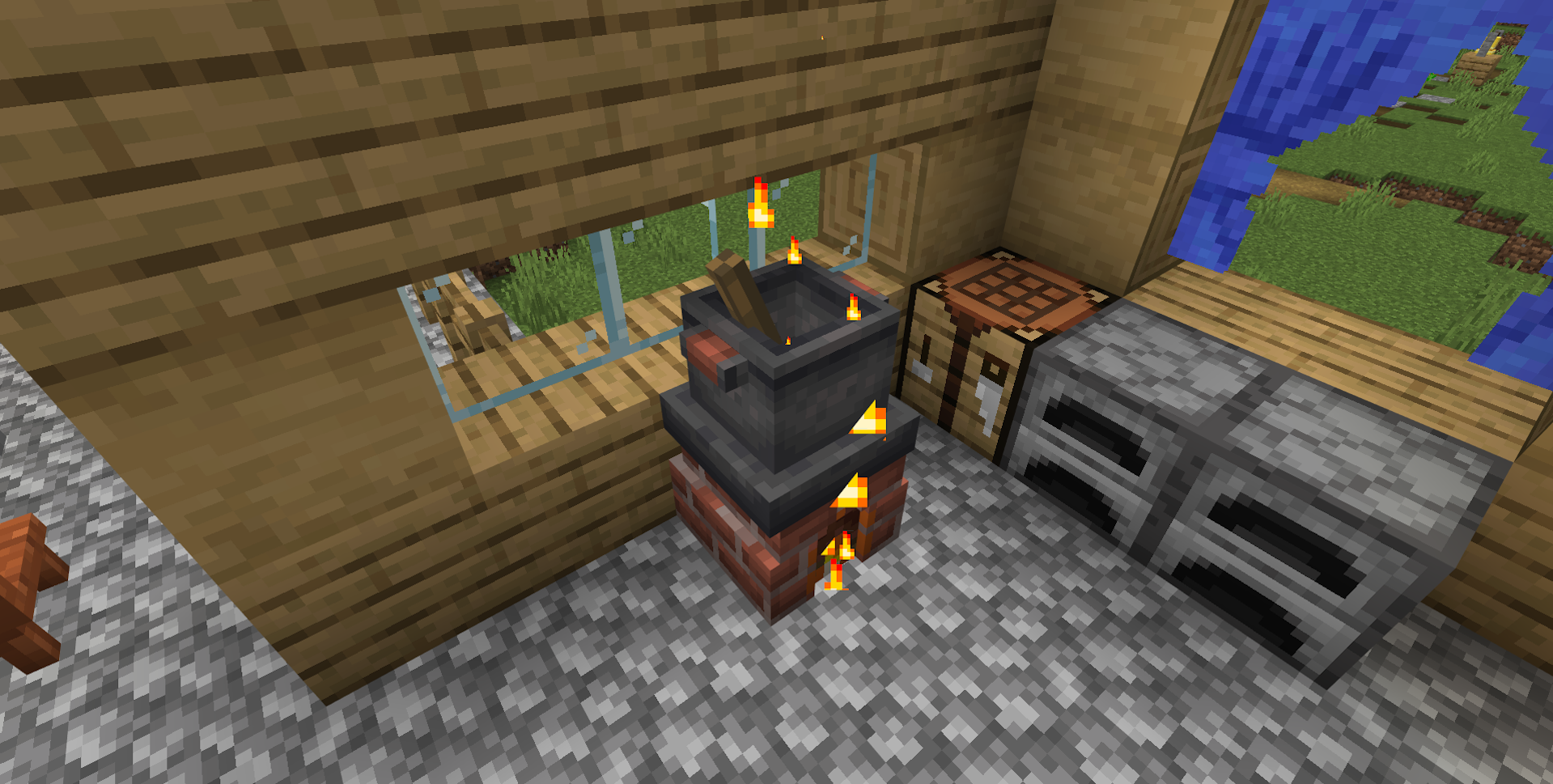
The next important feature is the Cooking Pot! To craft it, you need 5 iron ingots, 2 bricks and a wooden shovel. The Cooking Pot is used to make countless new foods like soups, stews, jams, noodles, and more! To access the GUI, click at the TOP of the Cooking Pot
Here are all the new recipes you can make using the Cooking Pot!
| Foods | Ingredients List | Container |
|---|---|---|
 Dog Food |  + + + + + +  | |
 Cat Food | [ or or  ] + + ] + + | |
 Horse Food | 2× + 2× +  + +  | None |
 Squid Ink Pasta | [ or or ] + + +  + + | |
 Steak And Potatoes | + + + + | |
| Stuffed Potato | + + | None |
| Cheese | 3× | None |
| 2× Bowl of Rice | 6× + | |
 Bottle of Tea | 3× + |  |
 Bottle of Matcha | + | |
| Bottle of Grape Jam | 3× | |
| Bottle of Blueberry Jam | 3× | |
| Bottle of Strawberry Jam | 3× | |
| Bottle of Corn Milk | + 3× | |
| Bottle of Cocoa Milk | + 3× | |
 Cod Stew | + 2× + | |
 Beef Stew | + 2× +  + + | |
| Wheat Dough | + 3× + | None |
 Dumpling | 3× + + | None |
 Vegetable Salad | 3× + + | |
 Ratatouille | + + + | |
 Vegetable Noodle | + + + | |
 Tomato Soup | + 3× | |
 Chicken Soup | + + 2× + 2× | |
 Pumpkin Soup | + + 2× + | |
 Vegetable Soup | + + + 2× + | |
 Noodle Soup | + + + + | |
More Placeable Food!
You can place down more food items by using item frame! Simply put the item frame faced up, then put any bowl or bottle food inside and voila!
Exploring Chef!
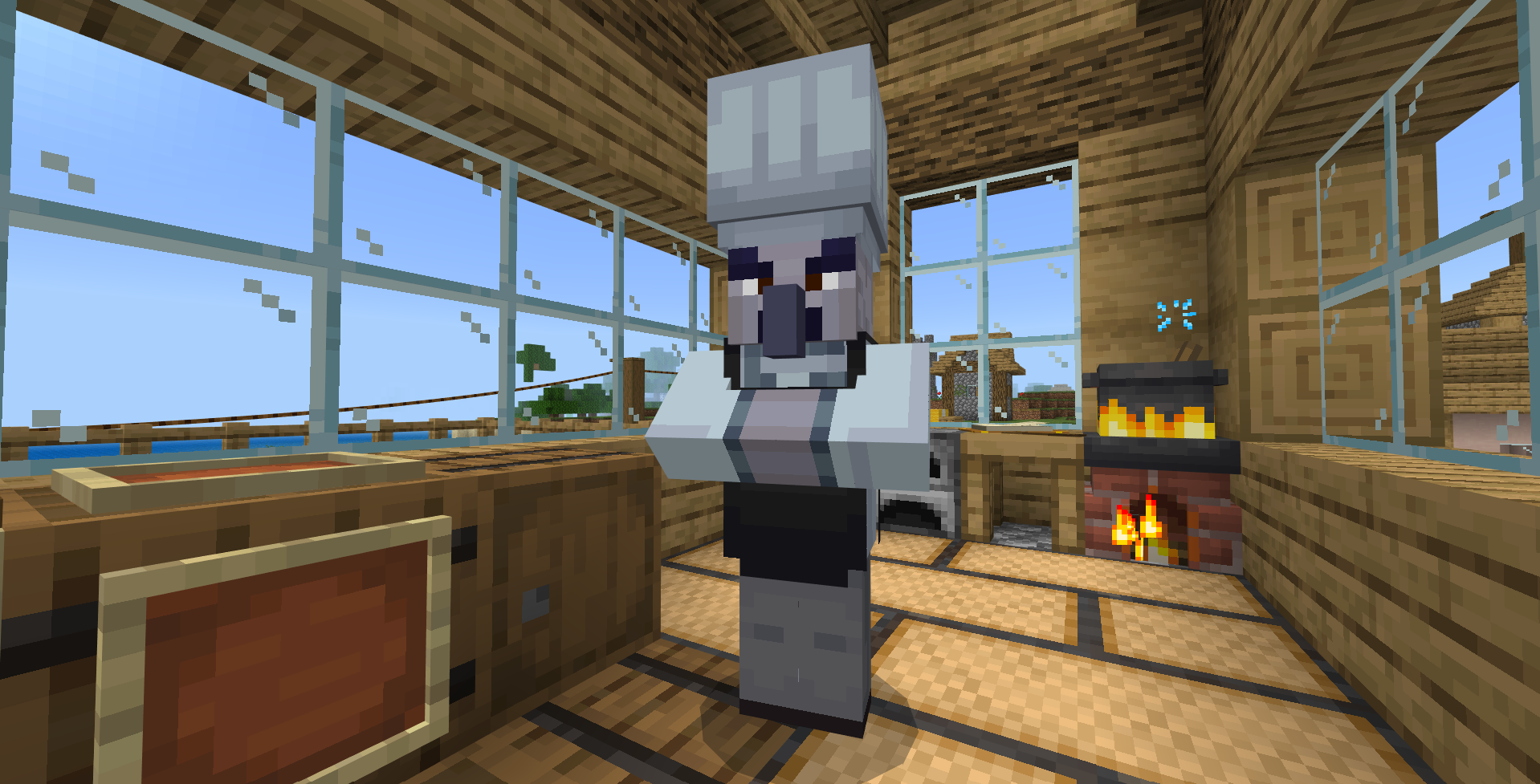
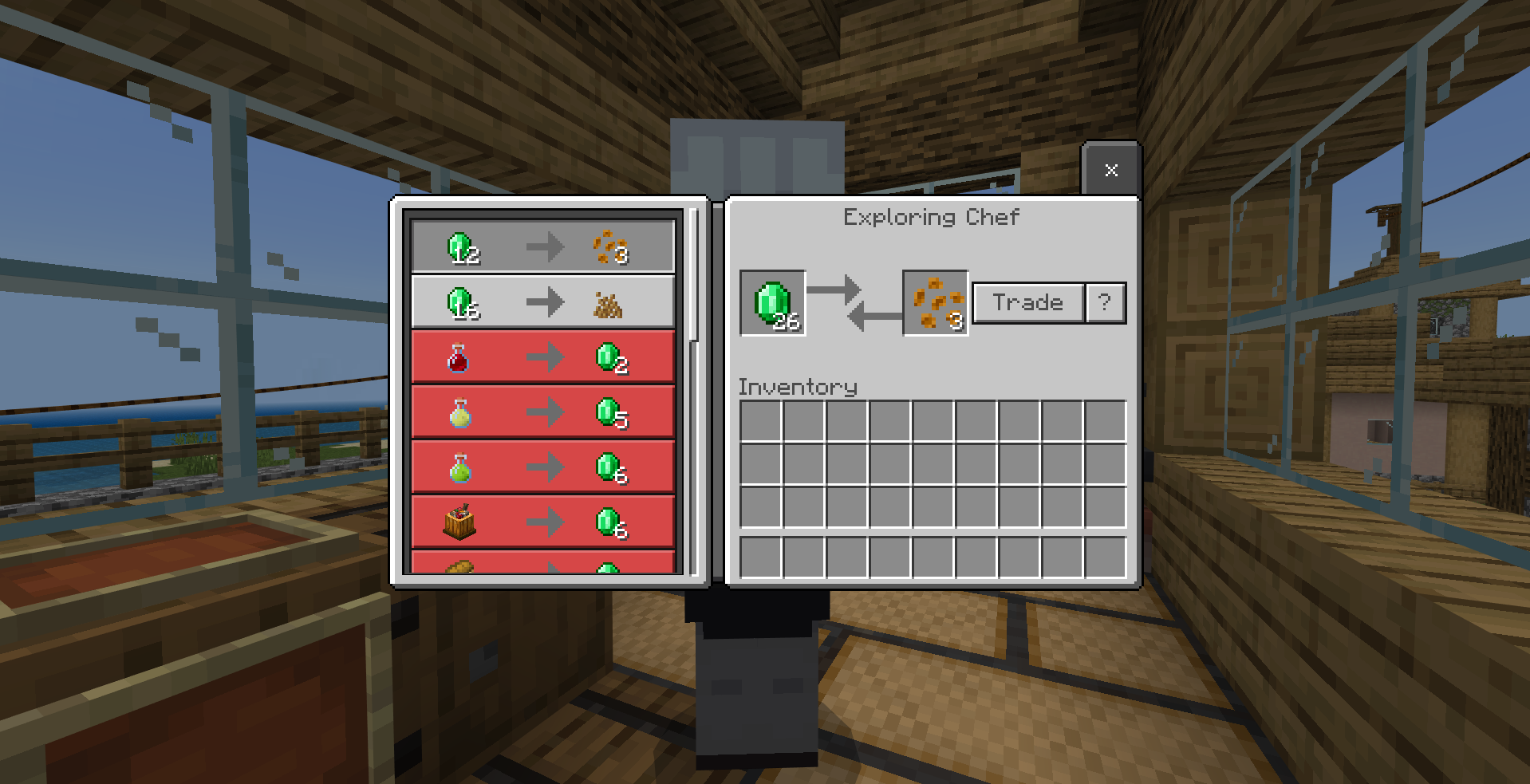
Exploring Chef is a rare neutral mob that can be found in the wild. Exploring Chef offers a chance to trade rare seeds and food ingredients!
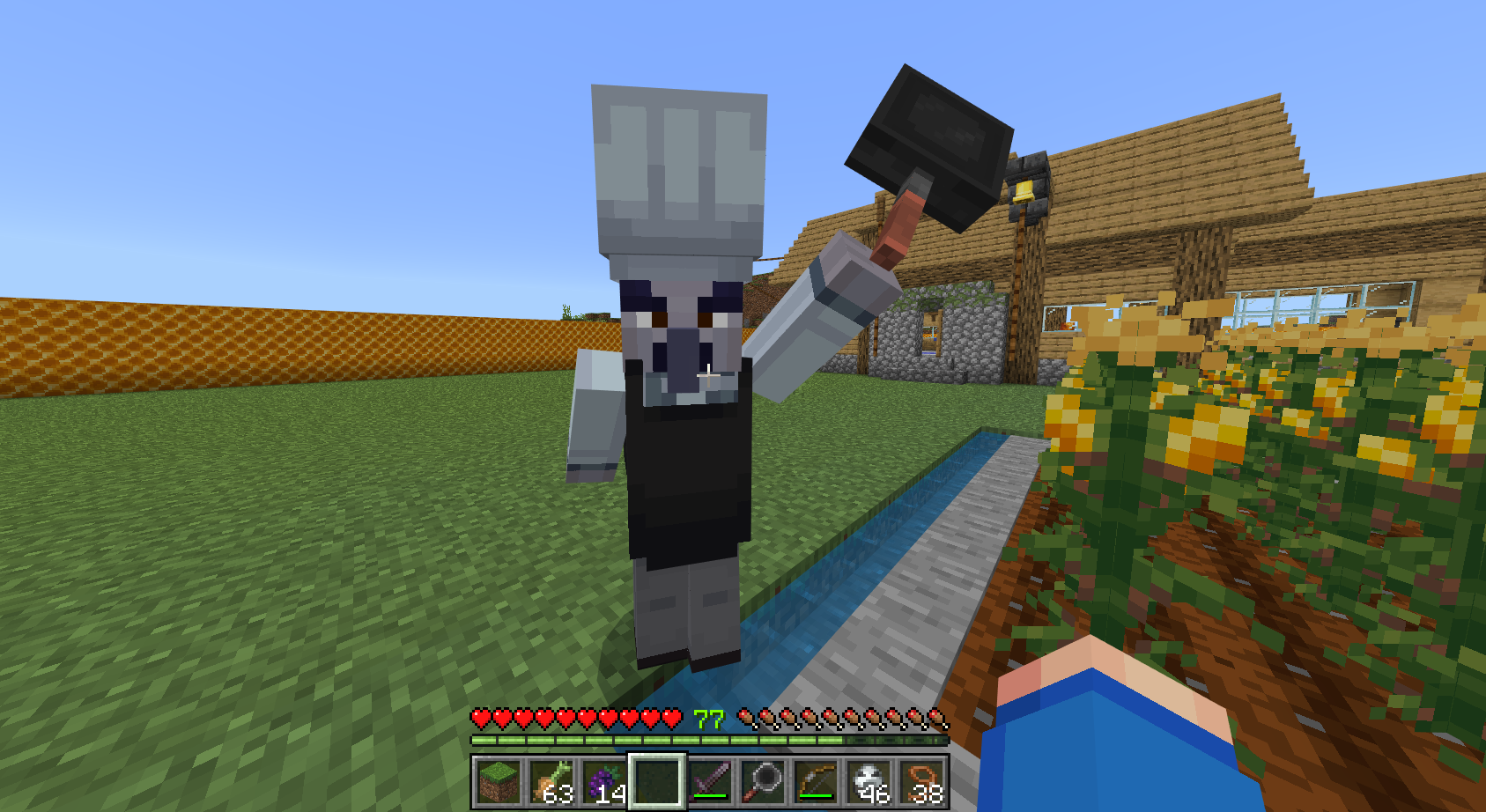
You shouldn't aggravate the Exploring Chef because as a professional chef, it always has a skillet ready to be used!
Half Barrel and Fermented Grape Juice
The Half Barrel is a new block that can be used to ferment grape into Fermented Grape Juice! It could also be used to make Grape Jam instead of using the Cooking Pot! But there's a catch! You need to smash the grape 3 times, for each step, there's a chance the grape will be wasted. You can make Fermented Grape Juice by putting the Bottle of Grape Jam into the Half Barrel!
Skillet
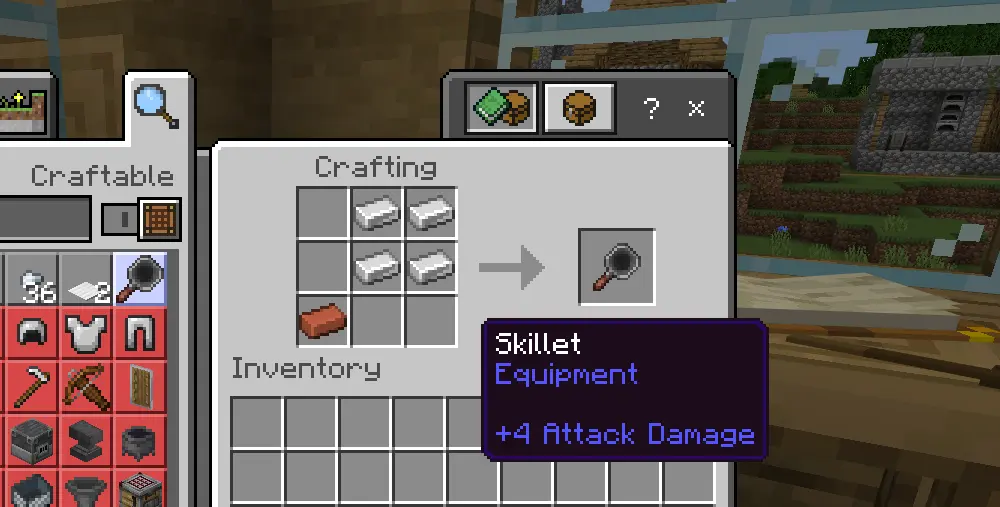
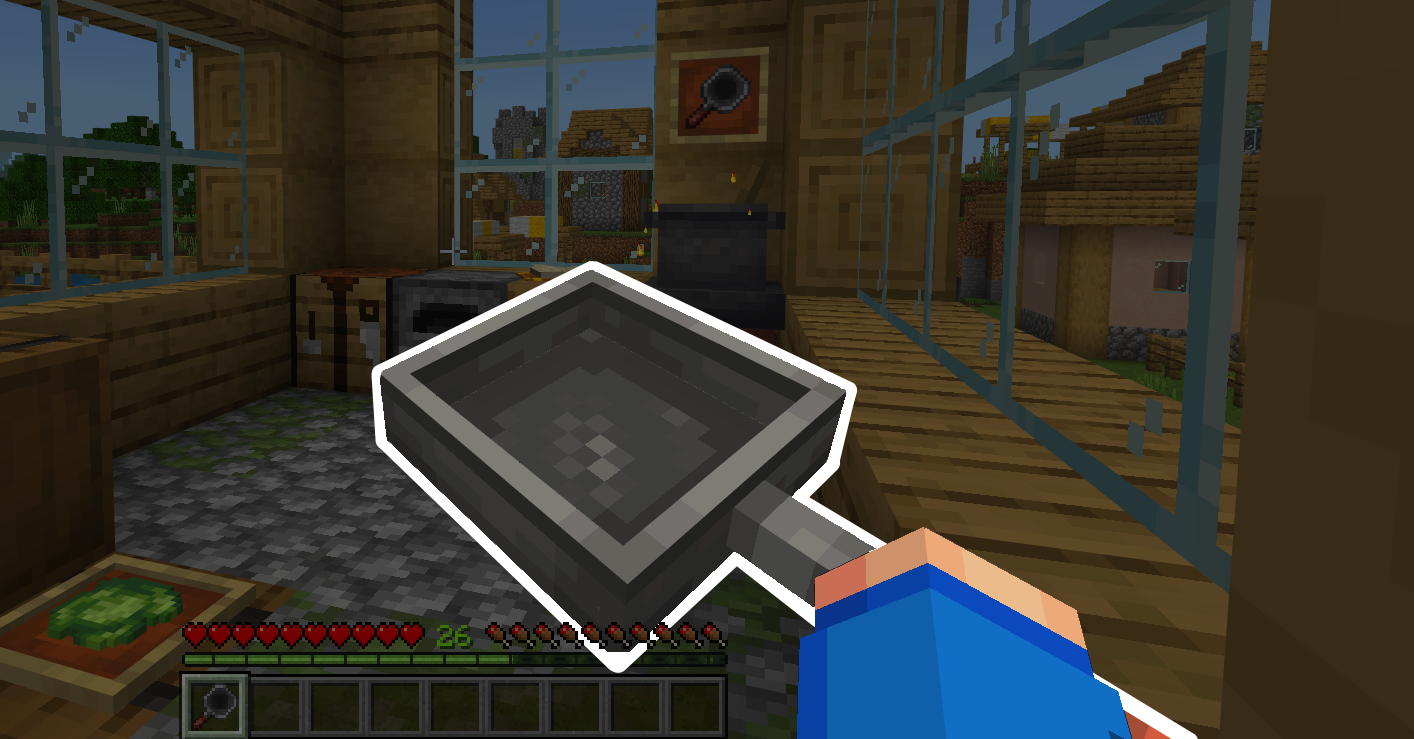
The skillet is a new tool that can be used to cook certain food! To craft it, you will need 4 iron ingots and a brick. The Skillet can be used to cook food like fried egg, fried rice, and more!
To use the Skillet, first put it to your off-hand, then facing a heat emitting block including: 


 right-click the food to start cooking!
right-click the food to start cooking!
The skillet can cook the following foods:
| Input | Output |
|---|---|
| Bowl of Rice |  Bowl of Fried Rice |
| Corn Kernel | Popcorn |
| Corn | Smoked Corn |
| Egg | Fried Egg |
| Beef | Cooked Beef |
| Chicken | Cooked Chicken |
| Cod | Cooked Cod |
| Potato | Baked Potato |
| Rabbit | Cooked Rabbit |
| Porkchop | Cooked Porkchop |
| Salmon | Cooked Salmon |
| Mutton | Cooked Mutton |
The Skillet can also be used to swing and hit or as projectiles by putting the tomatoes in your offhand slot and holding the skillet! Both give slowness effect to the target, but the rotten tomato will also give additional poison effect!
or as projectiles by putting the tomatoes in your offhand slot and holding the skillet! Both give slowness effect to the target, but the rotten tomato will also give additional poison effect!
Food Effects
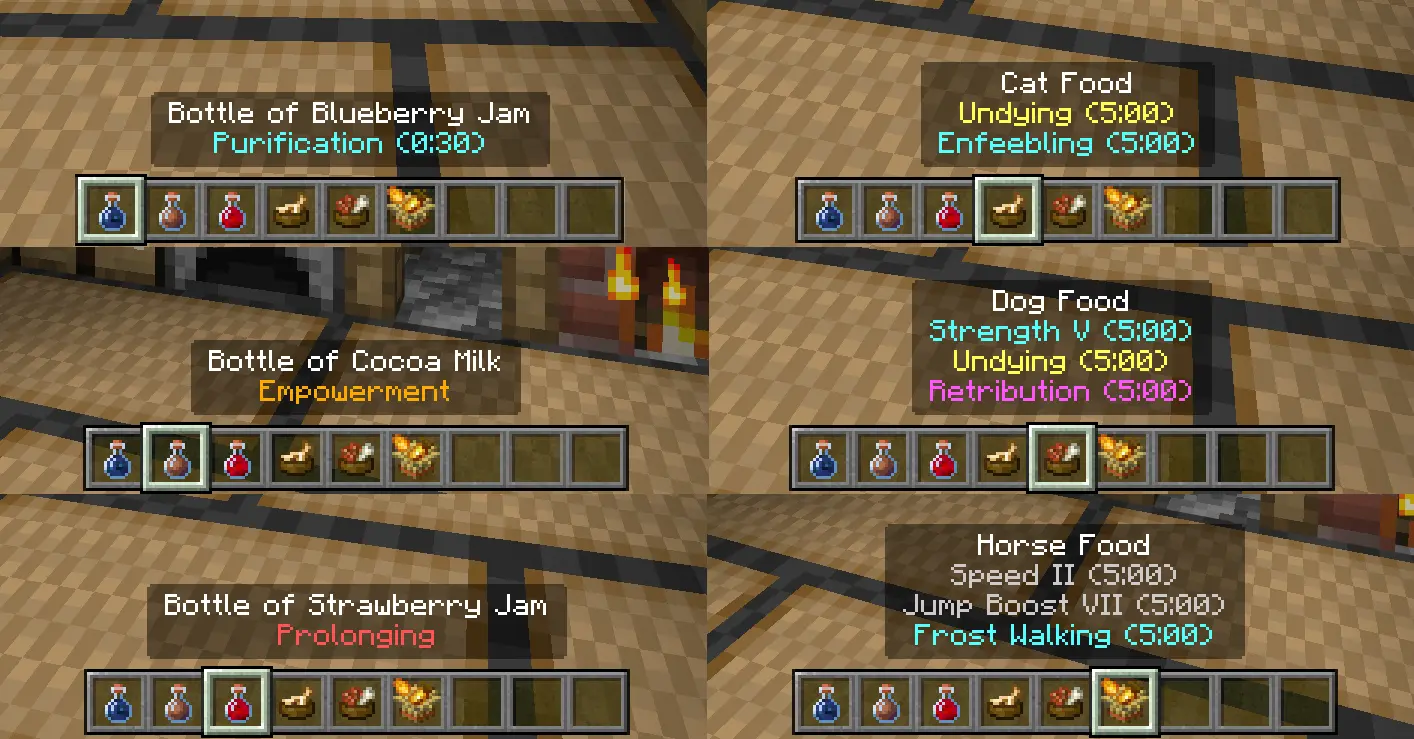
Some foods have been given special effects! Here's a list of all the new food effects:
■ Serendipity: Grant one random good effect to the drinker
■ Life Saving: Grant an effect depending on the drinker's situation
■ Purification: Remove all negative effects
■ Empowerment: Increase the amplifier of all effects by one, but reduce the duration by 20%
■ Prolonging: Double the duration of all effects
■ Enfeebling (on cats): Inflicts weakness on all monsters that attacks the player while the cat is nearby
■ Undying (on dogs): Grant immunity to all damage
■ Retribution (on dogs): Inflicts damage to all monsters that attacks the dog
■ Frost Walking (on horse): Generate ice blocks while walking on water, mimic Frost Walker enchantment
■ Serendipity: Grant one random good effect to the drinker
■ Life Saving: Grant an effect depending on the drinker's situation
■ Purification: Remove all negative effects
■ Empowerment: Increase the amplifier of all effects by one, but reduce the duration by 20%
■ Prolonging: Double the duration of all effects
■ Enfeebling (on cats): Inflicts weakness on all monsters that attacks the player while the cat is nearby
■ Undying (on dogs): Grant immunity to all damage
■ Retribution (on dogs): Inflicts damage to all monsters that attacks the dog
■ Frost Walking (on horse): Generate ice blocks while walking on water, mimic Frost Walker enchantment